
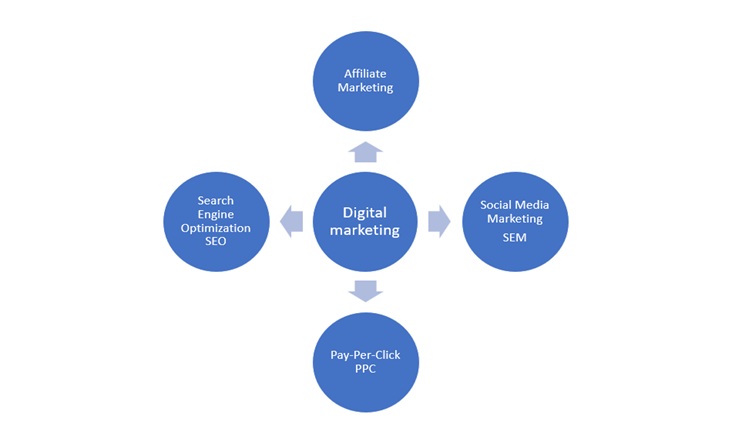
PPT is great for explaining business for any type. It is also widely used in the field of education and marketing. Let’s spice up a PowerPoint presentation with morph look, especially its used when the main business has many types. Below is step by step guide of Digital marketing types with morph Transition.
Learn a slide on the types of digital marketing.
- Insert a smartchart, click on cycle, and then Diverging radial.
- Click convert to shape

- Select the Complete slide, then right-click and select ungroup. Do it once again.

- Expand the digital marketing circle slightly.
- Right click on slide and create a duplicate slide. Go back to the first slide and then follow the process below.
- Select the digital marketing circle, arrange it bring it to (bring to front) as show in the image.

- Select the complete chart, click on arrange, align object, align center, and then align final align middle.
- Finally, select the second slide, then click on transitions, and then morph. You will find it amazing.
Keep learning with Techssocial

Hemant is Digital Marketer and he has 6 + years of experience in SEO, Content marketing, Infographic etc.